
The Ultimate Guide to Taking Product Photos That Sell on Naijamart.com
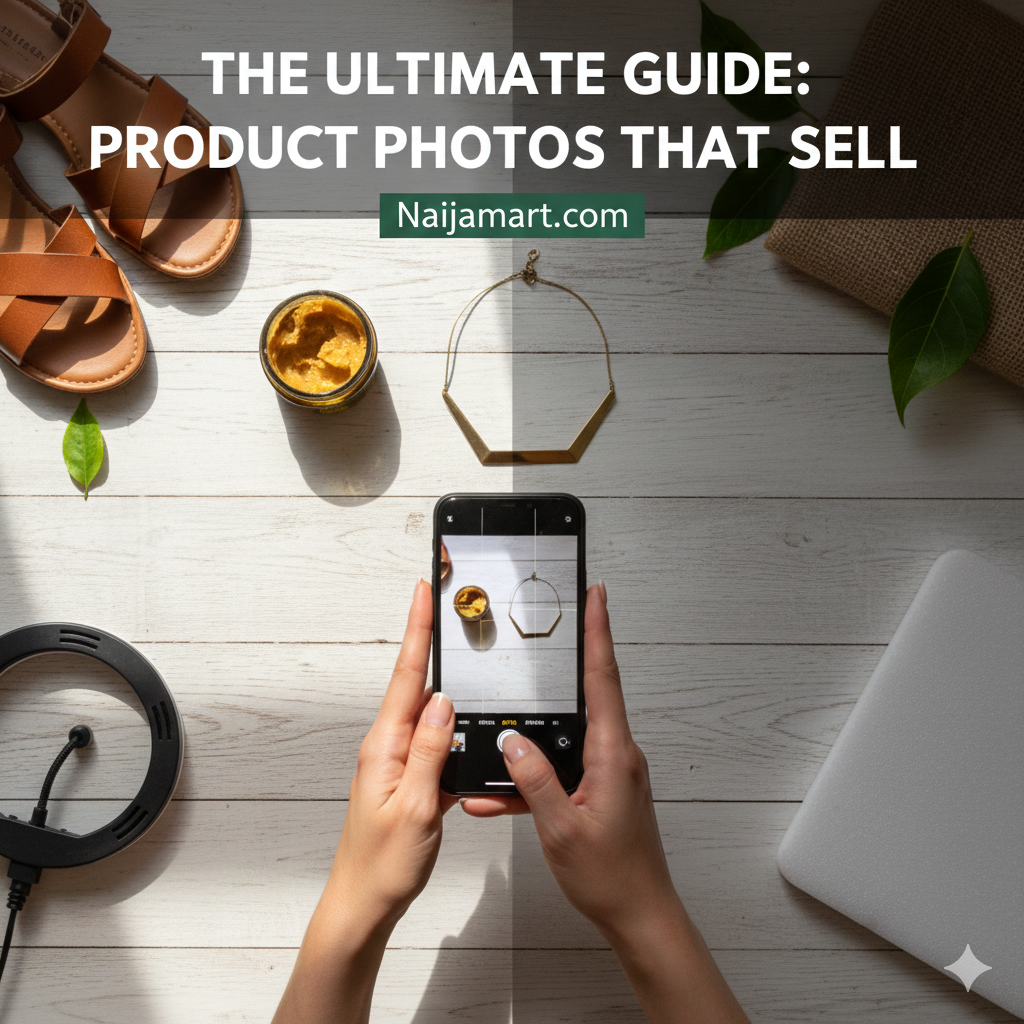
In the bustling online marketplace, your product photos are often the very first interaction a potential customer has with your business. A blurry, poorly lit image can lead to a lost sale, while a crisp, professional-looking photo can attract attention and build trust.
The good news? You don't need expensive equipment or a professional photographer to make your products shine on Naijamart.com. With a few simple techniques and your smartphone, you can capture images that truly sell!
1. Lighting is Everything: Embrace Natural Light
Forget fancy studio lights – the best lighting is often free!
Find Your Spot: Look for a window with bright, indirect sunlight. Direct sunlight can create harsh shadows, so a spot slightly away from the window is ideal.
Avoid Flash: Your phone's built-in flash can wash out colours and create unflattering reflections. Always rely on natural light.
Shadow Play: Position your product so the light source (the window) is coming from the side or slightly in front of it. This adds dimension and prevents flat-looking photos.
2. Master the Background: Keep it Clean and Simple
A cluttered background distracts from your product.
Plain White is Your Best Friend: A white wall, a piece of white poster board, or even a white bed sheet can serve as an excellent, inexpensive background. This ensures your product stands out.
Create a "Light Box" (DIY Method): Take a cardboard box, cut out two sides, and line the inside with white paper. Place your product inside and shoot through the open front. This creates soft, even lighting.
Lifestyle Shots (Optional): For some products (e.g., fashion, home decor), a simple, uncluttered "lifestyle" background can add context. For instance, a piece of jewellery on a simple wooden table.
3. Angles and Composition: Showcase Your Product Fully
Think about what a customer would want to see if they were holding the product.
Multiple Angles: Take photos from the front, back, sides, and even a top-down view.
Detail Shots: Capture close-ups of unique features, textures, or branding. If it's a clothing item, show the fabric. If it's an electronic, show the ports.
Scale: If size is important, include an everyday object next to your product for reference (e.g., a phone, a coin).
Rule of Thirds: Imagine a grid on your screen (most phone cameras have this option). Position your product or its key features along these lines or at their intersections for a more dynamic shot.
4. Utilise Your Smartphone Camera Features
Your phone is more powerful than you think!
Clean Your Lens: This sounds obvious, but a smudged lens is a common culprit for blurry photos. Wipe it with a soft cloth before every shoot.
Tap to Focus: Tap on your product on the screen to ensure your camera focuses correctly.
Adjust Exposure: After tapping to focus, a small sun icon might appear. Slide it up or down to adjust brightness.
Edit Smartly: Use your phone's built-in editing tools (or free apps like Snapseed or Lightroom Mobile) for minor adjustments. Focus on cropping, slight brightness/contrast boosts, and sharpening. Avoid heavy filters that distort the product's true appearance.
5. Consistency is Key
Aim for a consistent look across all your listings. This builds a professional brand image on your Naijamart store. Use similar lighting, backgrounds, and editing styles for all your products.
Ready to start snapping and selling?
High-quality photos are your silent sales force. By implementing these simple tips, you will not only make your products more appealing but also build trust with potential buyers on Naijamart.com.
